In a test 15 years ago, ComputerBase investigated whether a system with several cheap or a single expensive graphics card (test) was better. In particular, the Radeon HD 3850, the Radeon HD 3870 and the GeForce 8800 GT were in focus because they offered a lot of performance for little money.
Table of Contents
- Two against one from AMD and Nvidia
- Faster didn't mean playable
- Conclusion
Two vs. one by AMD and Nvidia
As a graphics card in the test 15 years ago, a single GeForce 8800 Ultra as a representative of the high-end camp was compared with two GeForce 8800 GTs, two Radeon HD 3870s and two Radeon HD 3850s, each in an SLI/CrossFire configuration. In terms of price, the GeForce 8800 Ultra was ahead at 515 euros, followed by the two GeForce 8800 GTs for a total of 480 euros. The AMD graphics cards were cheaper at 400 euros for two Radeon HD 3870s and 270 euros for the Radeon HD 3850 team.
-
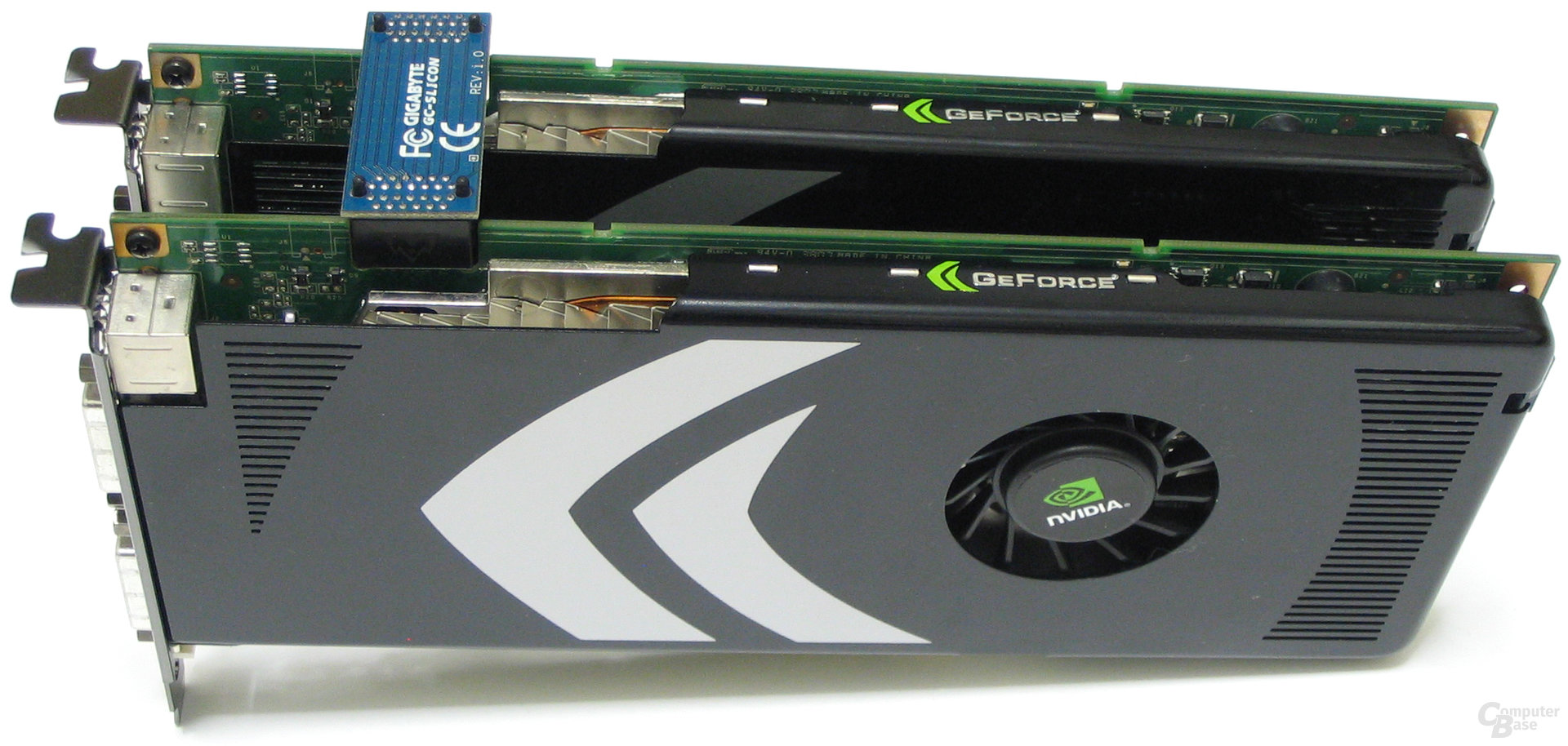 Nvidia GeForce 8800 GT SLI
Image 1 of 4
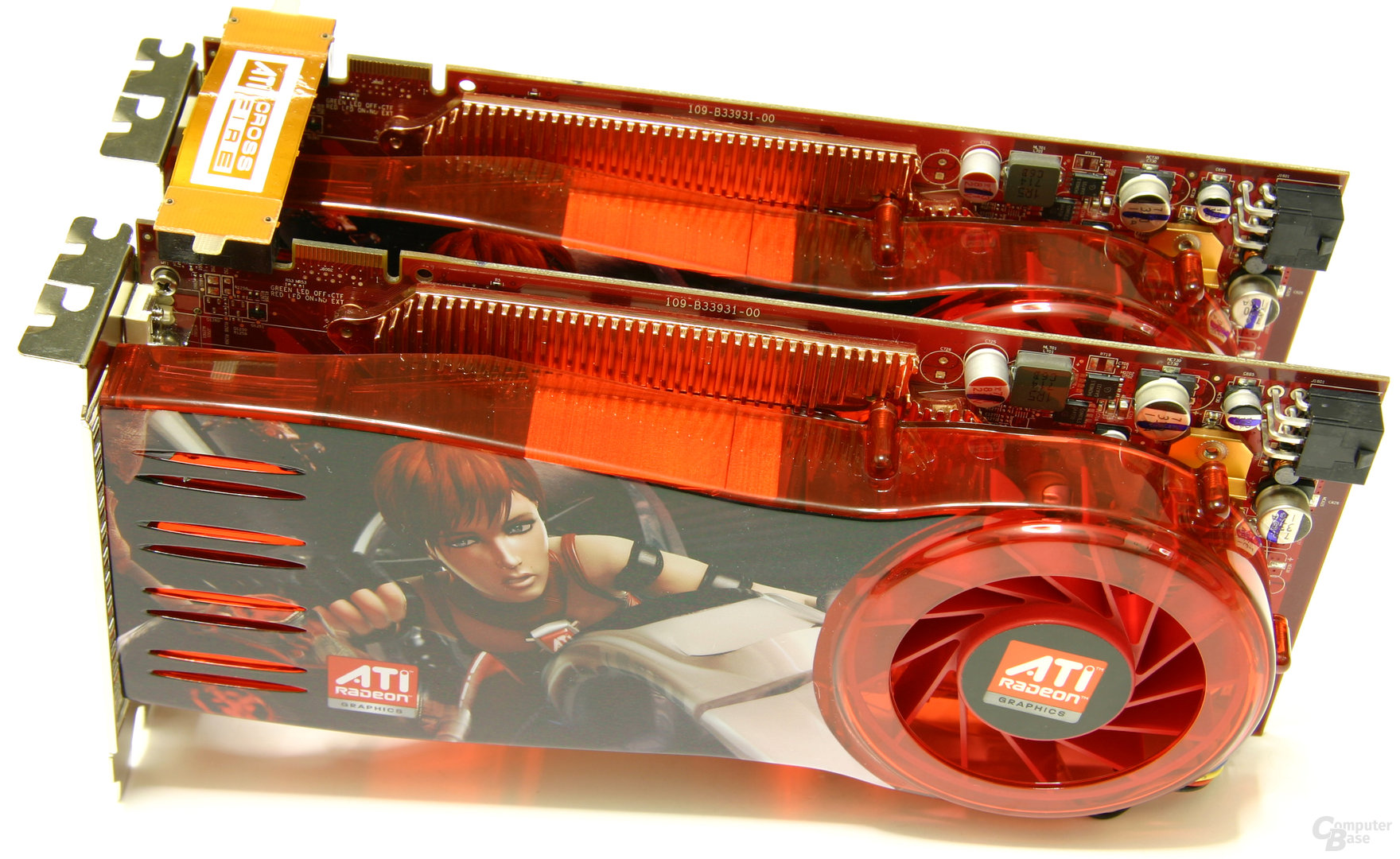 ATi Radeon HD 3870 CrossFire
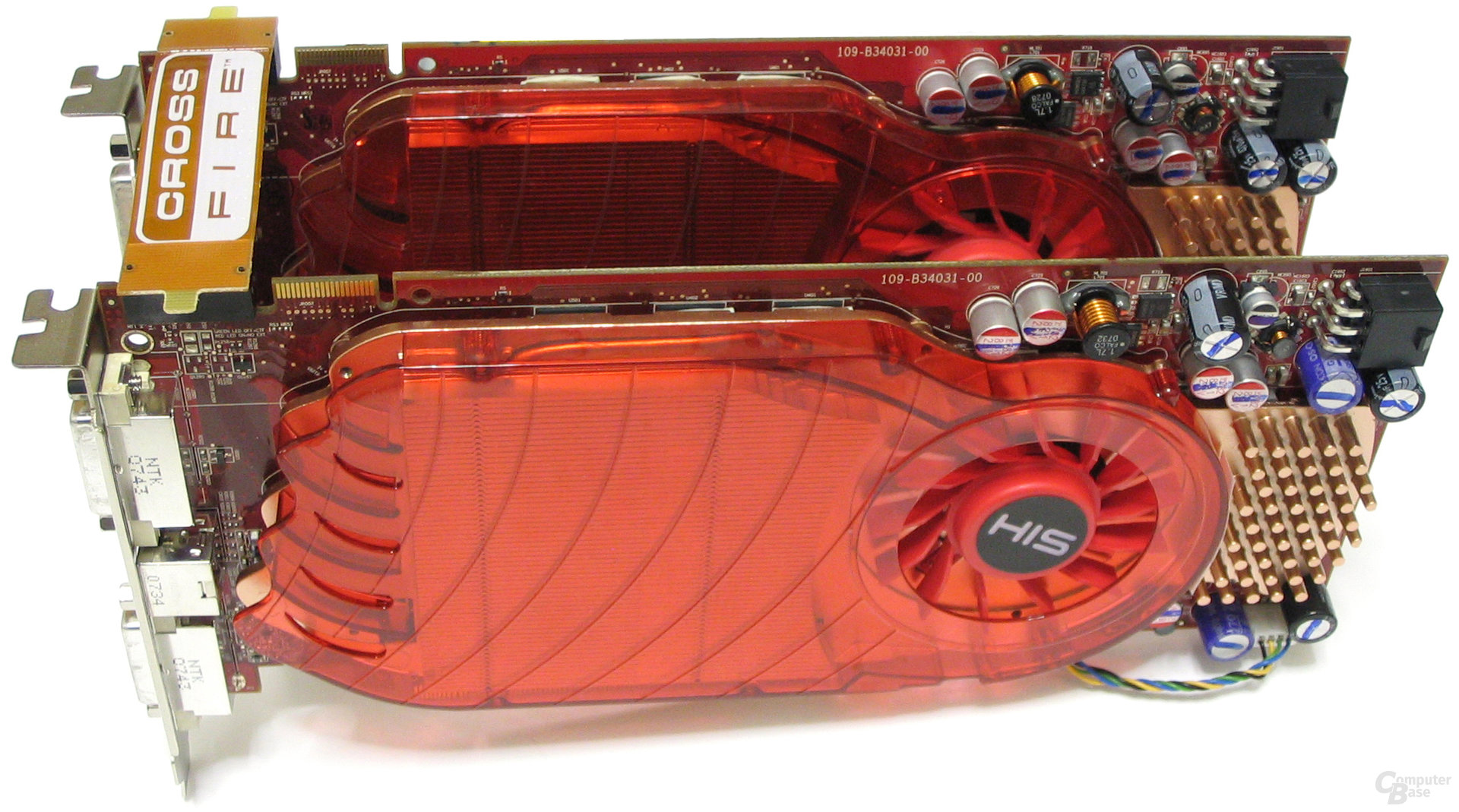 ATi Radeon HD 3850 CrossFire
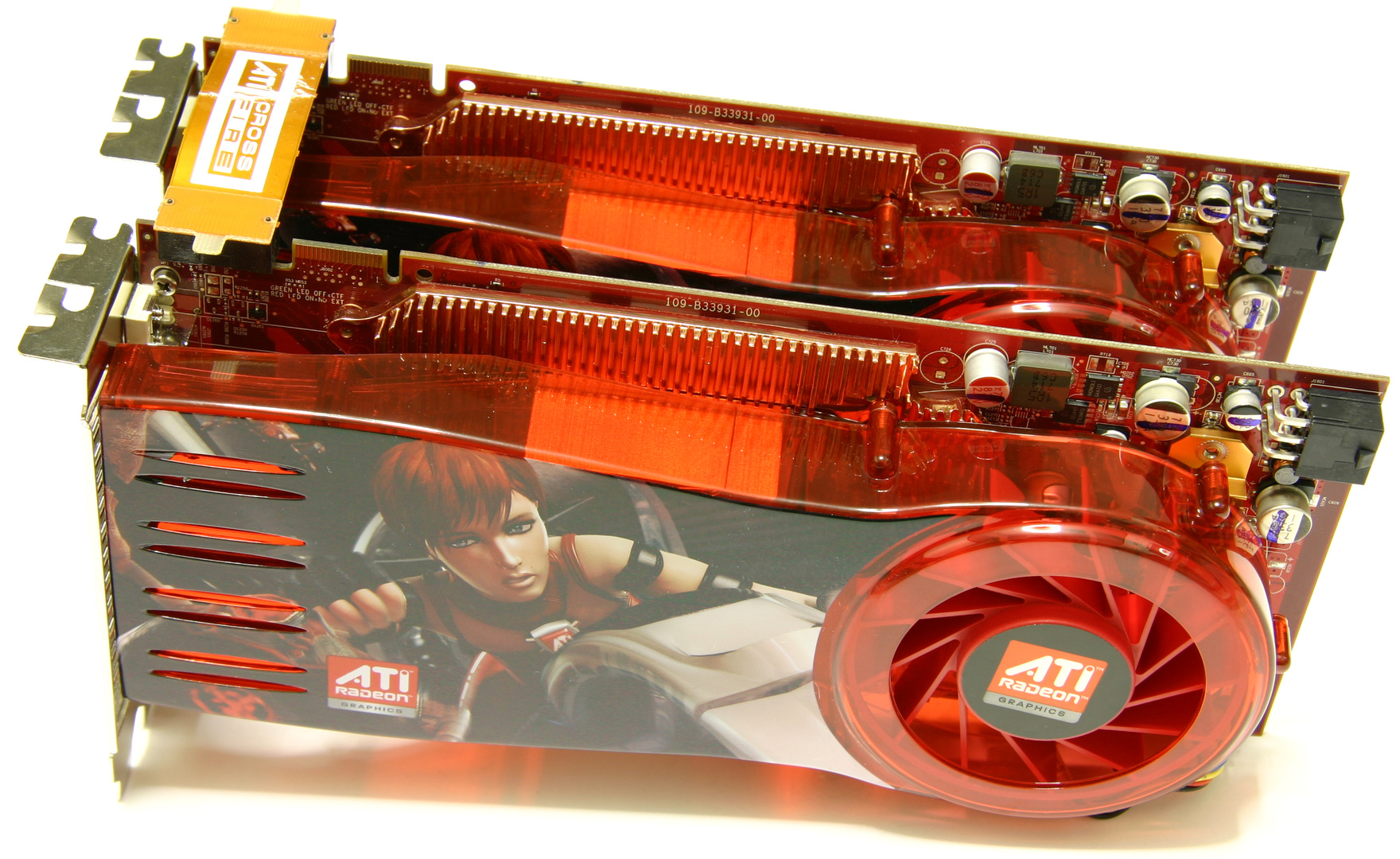 ATi Radeon HD 3870 CrossFire
Also to be noted were the different memory configurations, which came into play in particular in higher resolutions and quality settings – the focus of the test. The GeForce 8800 Ultra was at the top with 768 MB GDDR3, the GeForce 8800 GT and the Radeon HD 3870 had 512 MB GDDR3, and the Radeon HD 3850 brought up the rear with 256 MB GDDR3. In SLI and CrossFire systems there was twice the graphics memory physically, but the effective amount of usable memory was the same due to the Alternate Frame Rendering used, in which the graphics cards calculated images alternately and therefore had to reserve the entire memory.
Faster means not playable
The benchmarks paint an interesting picture. As long as the game was played with a maximum of four times anti-aliasing, the SLI combination of two GeForce 8800 GTs was ahead and clearly beat both the GeForce 8800 Ultra and the CrossFire systems. It looked different in extreme quality settings with eightfold anti-aliasing, here AMD dominated – especially in the higher resolutions, the relative projections looked gigantic to many. Although a dual Radeon HD 3870 system performed twice as fast as a GeForce 8800 Ultra at these settings, that didn't mean games ran smoothly. In this sense, the line was often between “stutters unplayable” and “stutters virtually unplayable”.
Charts
- Rating 1280×1024 4xAA/16xAF
- Rating 1280×1024 8xAA/16xAF
- Rating 1600×1200 4xAA/16xAF
- Rating 1600×1200 8xAA/16xAF
- Rating 2560×1600 4xAA/16xAF
- Rating 2560×1600 8xAA/16xAF
Rating 1280×1024 4xAA/16xAF
-
- GeForce 8800 GT SLI161.0
- Radeon HD 3870 CF138.0
- GeForce 8800 Ultra129.7
- Radeon HD 3850 CF109.1< /li>
- GeForce 8800 GT100.0
- Radeon HD 387086.4
- Radeon HD 385072.2
Unit: Percent Rating 1280×1024 8xAA/16xAF
-
- GeForce 8800 GT SLI178.7
- Radeon HD 3870 CF169.0
- GeForce 8800 Ultra138.0
- Radeon HD 3850 CF107.9
- Radeon HD 3870101.5
- GeForce 8800 GT100.0
- Radeon HD 385069.3
Unit: Percent Rating 1600×1200 4xAA/16xAF
-
- GeForce 8800 GT SLI171,3
- Radeon HD 3870 CF150,0
- GeForce 8800 Ultra133.0
- Radeon HD 3850 CF105.7
- GeForce 8800 GT100.0
- Radeon HD 387091.8
- Radeon HD 385069.0
Unit: Percent Rating 1600×1200 8xAA/16xAF
-
- Radeon HD 3870 CF198.1
- GeForce 8800 GT SLI161.4
- GeForce 8800 Ultra153.4
- Radeon HD 3870121.1
- Radeon HD 3850 CF105.9
- GeForce 8800 GT100.0< /li>
- Radeon HD 385066.9
Unit: Percent Rating 2560×1600 4xAA/16xAF
-
- GeForce 8800 GT SLI165.7
- GeForce 8800 Ultra154.2
- Radeon HD 3870 CF144.9
- Radeon HD 3870101.5
- GeForce 8800 GT100.0
Unit: percent Rating 2560×1600 8xAA/16xAF
-
- Radeon HD 3870 CF322,2
- Radeon HD 3870185,3< /li>
- GeForce 8800 Ultra159.3
- GeForce 8800 GT SLI116.9
- GeForce 8800 GT100, 0
Unit: percent
The weaknesses of the multi-GPU systems were revealed in the B grades. At 52.5 dB(A), the volume of the two GeForce 8800 GTs under load was once again significantly higher than the already loud GeForce 8800 Ultra, and the chip temperature of the multi-GPU systems was close to the 100 °C limit. In terms of power consumption, the two GeForce 8800 GTs also trumped the top model.
Charts
- Volume
- Temperature
- Power Consumption
Volume
- Idle – Windows:
- Radeon HD 385047.5
- Radeon HD 3850 CF47.5
- Radeon HD 387047 ,5
- Radeon HD 3870 CF47,5
- GeForce 8800 GT47,5
- GeForce 8800 GT SLI48.0
- GeForce 8800 Ultra50.0
- Last:
- Radeon HD 385047.5
- Radeon HD 387047.5
- Radeon HD 3850 CF48.0
- GeForce 8800 GT48.5
- Radeon HD 3870 CF50.0
- GeForce 8800 Ultra50.5
< li class="chart__row">GeForce 8800 GT SLI52.5
Unit: dB(A) Temperature
- Idle – Windows:
- Radeon HD 387047
- Radeon HD 3870 CF47
- Radeon HD 385049
- Radeon HD 3850 CF49
- GeForce 8800 GT59
- GeForce 8800 GT SLI62
- GeForce 8800 Ultra64
- Last – Chip:
- GeForce 8800 Ultra80
- Radeon HD 387088
- Radeon HD 385089
- Radeon HD 3870 CF89
- Radeon HD 3850 CF91
< li class="chart__row">GeForce 8800 GT93
- GeForce 8800 GT SLI94
- Radeon HD 387068
- GeForce 8800 Ultra68
- Radeon HD 385069
- Radeon HD 3850 CF69< /li>
- Radeon HD 3870 CF71
- GeForce 8800 GT73
- GeForce 8800 GT SLI74
Unit: °C Power consumption
- Idle – Windows :
- Radeon HD 3850 CF154.7Asus P5W DH Deluxe (i975X)
- Radeon HD 3870 CF159.4Asus P5W DH Deluxe (i975X)
- Radeon HD 3850161.3
- Radeon HD 3870167.4
- GeForce 8800 GT195.7
< li class="chart__row">GeForce 8800 GT SLI230.2
- GeForce 8800 Ultra253.0
- Radeon HD 3850230.9
- GeForce 8800 GT248.3
- Radeon HD 3870252.3
- Radeon HD 3850 CF258.4Asus P5W DH Deluxe (i975X)
- Radeon HD 3870 CF316.5Asus P5W DH Deluxe (i975X)
- GeForce 8800 Ultra334.0
- GeForce 8800 GT SLI345.6
Unit: Watt (W)
Conclusion
As is so often the case, the answer to the question “Is single or multiple GPUs better” 15 years ago was: It depends. For gamers, an SLI combination of two GeForce 8800 GTs is basically the right choice, as long as the game is to be played with a maximum of four times anti-aliasing. In this case it was a faster and cheaper solution than a GeForce 8800 Ultra. This, on the other hand, could come up with a larger graphics memory, which should benefit you in future games. For a little more money, GeForce 8800 Ultra buyers were also spared the other multi-GPU problems such as micro-stuttering, high volume and temperatures, and driver problems. It looked different when you really wanted to play in maximum settings with eightfold anti-aliasing – despite low refresh rates. Here, a CrossFire network of two Radeon HD 3870 was so far ahead that the question did not arise.
In the category “In the test 15 years ago”, the editors have been taking a look at the test archive every Saturday since July 2017. The last 20 articles that appeared in this series are listed below:
- ZEROtherm kept graphics cards loudly cool
- Intels Core 2 Extreme on 45nm steroids
- The GeForce 8800 GTS 512 with the secret G92 full configuration
- Scythe Ninja Cu, the limited copper block
- Allow me, Radeon HD 3850, the 135 euro wonder weapon
- With the Zalman VF-1000 against Arctic Coolings S1
- ATi made a comeback with the Radeon HD 3870
- Nvidia's GeForce 8800 GT was almost perfect
- Intel's 45- nm process made Penryn fast and economical
- Two towers were not enough for the Thermalright IFX-14
- The best Radeon HD 2600 XT were blue
- Thermalright's Ultra 120 Extreme was the reference
- 249 euros was too much for the Radeon HD 2600 XT X2
- Teufel's elegant 2.1 system with excellent sound
- Arctic Cooling's Accelero S1 was colder than the competition
- Zalman wanted to reinvent itself and failed
- Cooler Masters Cosmos at an astronomical price
- The best multimedia keyboard came from Microsoft
- Sparkles Caliber GeForce 8600 GT performed way outside the norm
- Xigmatek was on the road to success with the HDT-S1283
More content of this kind and many more reports and anecdotes can be found in the Retro-E cke in the forum of ComputerBase.