It's easier than ever to sing along to your favorite music on Apple TV. You can turn the Apple TV into a karaoke machine in no time. This is how karaoke works on the Apple TV.
With Apple Music, you can view lyrics on all your devices. The lyrics also scroll along, making it easier to sing along with the music, which is especially useful on the Apple TV. In this tip we show you how to do karaoke on the Apple TV and what you need for that. And on the latest Apple TV 4K there is even an extra option.
- New! Apple Music Sing
- Requirements
- Use
- Apps
New! Apple Music Sing
If you have an Apple TV 4K 2022 or later, you can use Apple Music Sing from iOS 16.2 and tvOS 16.2. This is a new karaoke feature for the iPhone, iPad and Apple TV where you can mute the vocals and omit them altogether. You can also sing a duet more easily with Apple Music Sing, because it clearly indicates what person 1 and 2 should sing. >
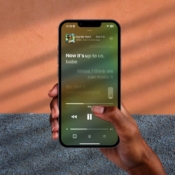
Let's sing: this is how the new karaoke mode works in Apple Music
You can do karaoke with Apple Music thanks to the Apple Music Sing feature. In this tip we show you what you need for this, how you can sing along with the music in Apple Music and what options there are.
We'll explain later how to use Apple Music karaoke on the Apple TV, both on the latest model and on the earlier models. Because even though Apple Music Sing only works on the newer models, you can also sing along with the lyrics on the older Apple TVs.
Don't have Apple Music at all? Then you can use some apps that we mention at the bottom of this article. And if you don't have an Apple TV, you can also use your iPhone in your hand to sing along with the scrolling lyrics in Apple Music.
You need this for karaoke on Apple TV
To sing along to the lyrics via the Music app on Apple TV, you need:
- Apple TV HD or Apple TV 4K
- Only for Apple Music Sing: Apple TV 4K 2022
- Apple Music
- Alternative: special app
How to use Apple TV karaoke
Read further on how to use it and choose the Apple TV you have:
- Sing on Apple TV 4K 2022
- Lyrics on Apple TV 4K 2021 and earlier
Apple Music Sing on Apple TV 4K 2022
With Apple Music Sing, you can reduce the volume of the vocals or turn them off completely, so you can sing everything yourself. You then have, as it were, a special karaoke version. There is also a special duet view, so it's clear who should sing what. And the animations accompanying the scrolling lyrics also show you when to sing, just like a real karaoke machine.
How to use Apple Music Sing on the Apple TV 4K 2022:
- Open the Music app and choose the song you want to play.
- Then press the menu or back button to bring up the extra options. Make sure to turn on the lyrics at the bottom. This button can be recognized by the “ symbol.
- A button with a microphone will appear at the bottom. Press to adjust the vocals.
- With the + and – button on the remote control you change the volume of the original vocals. Set it as low as possible to only hear the music itself.
- Look at the screen and sing.

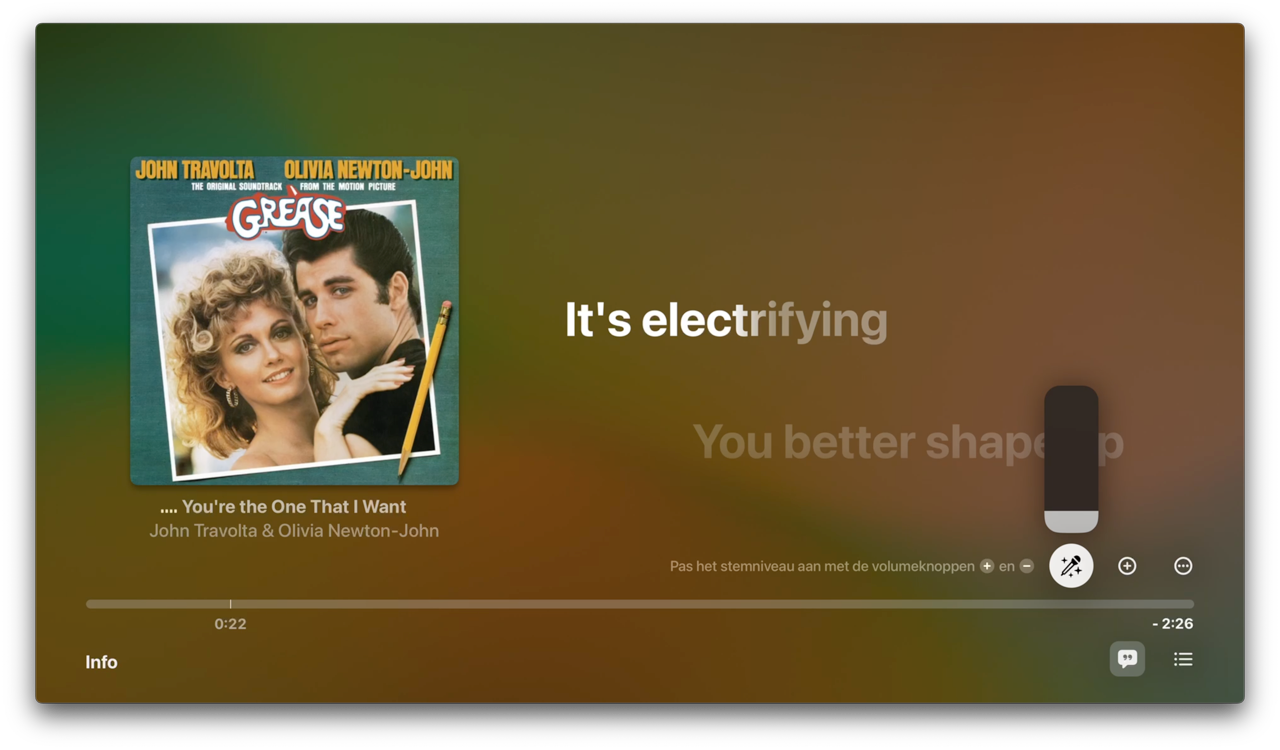
Sing along with karaoke on older Apple TV
If you don't have an Apple TV 4K 2022 and therefore no Apple Music Sing, you can use Apple Music Sing in a detour. You can then send the image from a suitable device to your Apple TV via AirPlay Mirroring. But we can imagine that this is not ideal, especially if you are with a group.
The usual scrolling lyrics are also still available on older models. Lyrics animate for some songs and duet view is also available. You can still sing along and use the karaoke function. But the original singing voice will still be present. So you will have to roar a little louder to drown this out. This works on the Apple TV models from the Apple TV HD up to the Apple TV 4K 2021.
To use the Apple TV as a karaoke machine without Apple Music Sing, do the following:
- First, make sure that the screensaver is not activated automatically. On your Apple TV, go to Settings > General > Screen saver.
- Set the option Show during music and podcasts to No.
- Now open the Music app and find the song you want to play.
- Play the song. Then press the menu or back button to bring up the extra options.
- Swipe down and go to the lyrics button at the bottom right. Press it to select the chat bubble.
- The scrolling lyrics appear next to the album cover.
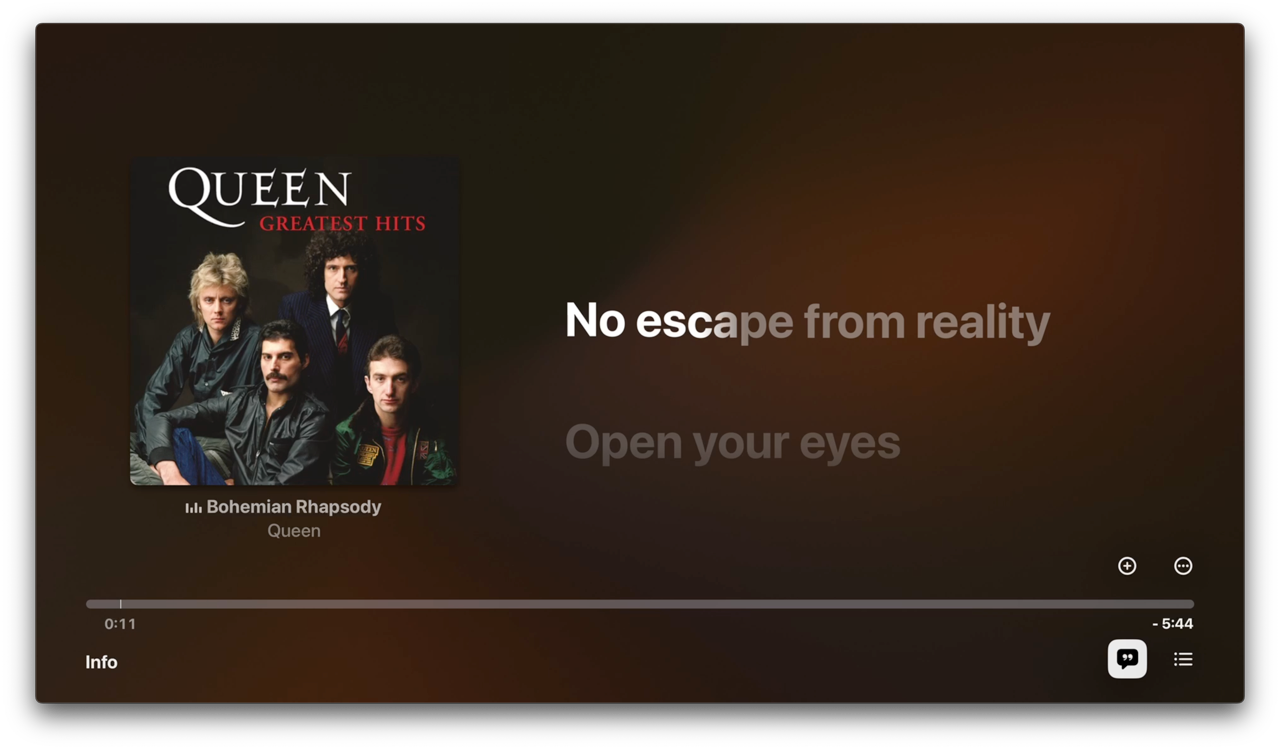

The great thing about this feature is that you only have to enable it once. The setting remains active until you turn it off yourself. This automatically plays all music tracks with the moving lyrics, ideal for a night of karaoke.
You can also browse the song by swiping on the remote control. You then immediately scroll to part of the lyrics and the song, so that they always stay in sync.

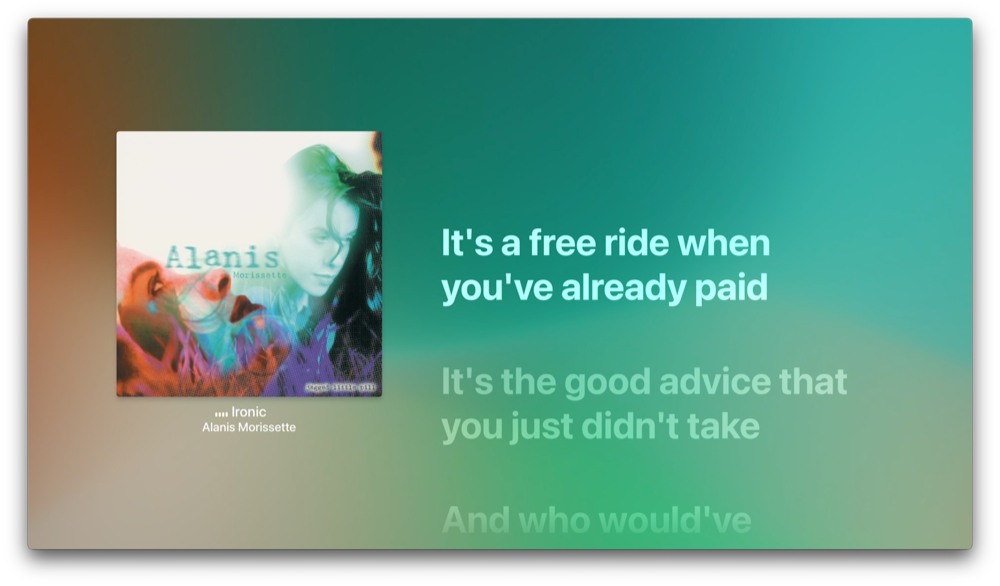
If you really want to make the party complete, you can also get a complete music system with microphone at home.
See also 

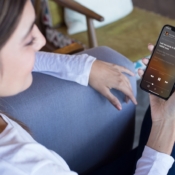
Here's how to view and control lyrics in Apple Music < /h3>Sing along to your favorite songs in Apple Music! You can view song lyrics on your iPhone, iPad, Apple TV, and Mac. In this article, we'll explain where to find lyrics in Apple Music.
Apple TV karaoke with apps
Alternatively, you can also use karaoke apps that are suitable for the Apple TV. Some even let you use your iPhone as a microphone to sing along through your television. Here are some apps to choose from:
- Smule: Karaoke Music Studio (Free, iPhone/iPad/TV + IAP, iOS 13.0+) – One of the most popular karaoke apps , with more than 100,000 songs. You can link the iPhone version to the Apple TV version so that you can use it as a microphone.
- Karaoke One (Free, iPhone/iPad/Mac/TV + IAP, iOS 15.0+) – This app offers a wide range and is free to try for a week. You create an account and can even get followers (thanks to recordings via your iPhone).
- Karaoke on Demand (Free, iPhone/iPad/TV + IAP, iOS 9.0+) – This app has a wide selection of special karaoke versions of well-known songs. Unfortunately, the app does not get the best ratings.